Get Bearmor Security
Free WordPress security plugin. Install in minutes, protect immediately.
Option 1: Install from WordPress Admin
The easiest and fastest way to install Bearmor Security.
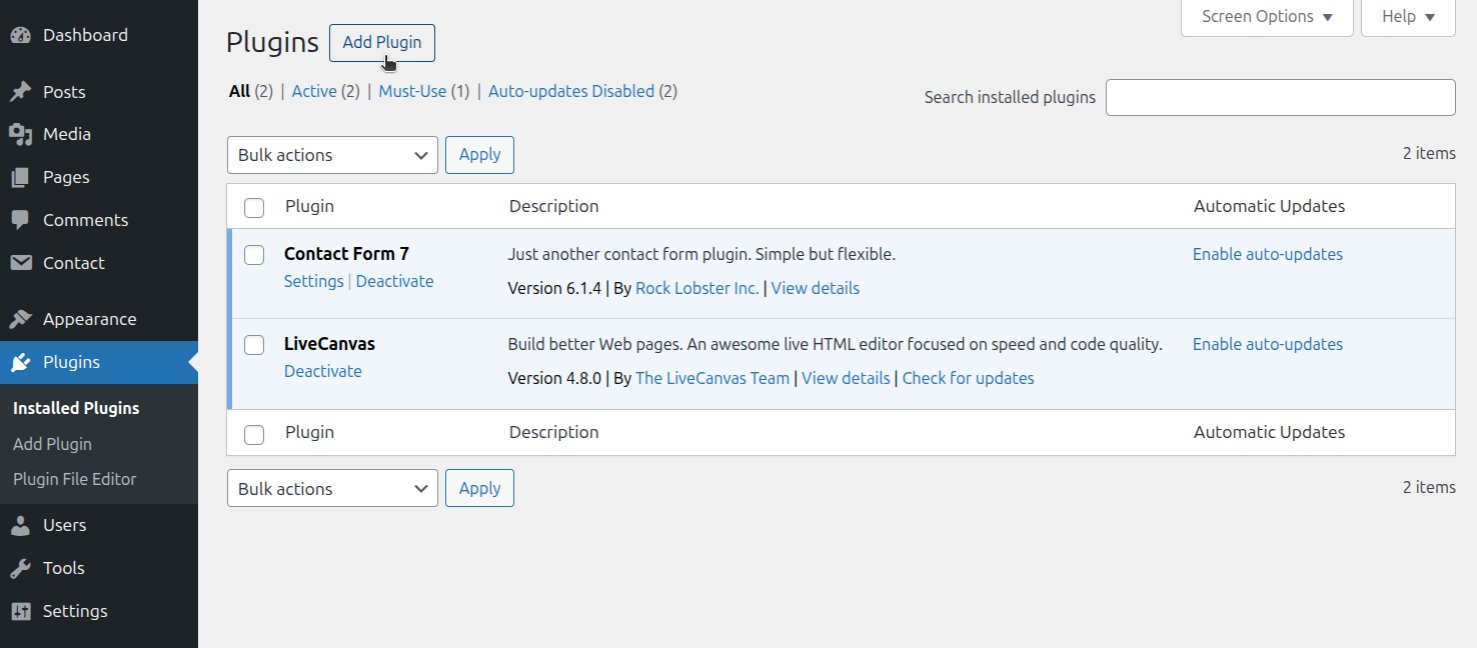
Go to Plugins → Add New
In your WordPress admin dashboard, navigate to the Plugins section and click "Add New".
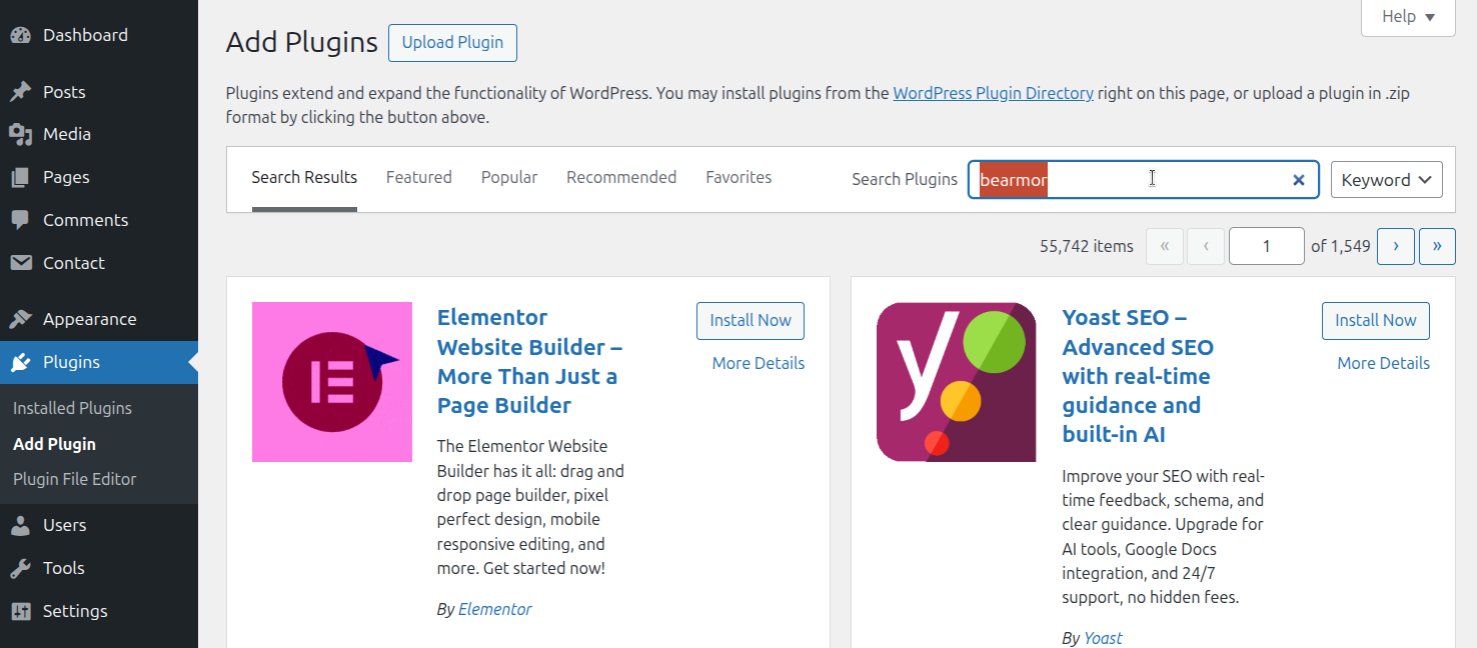
Search for "Bearmor"
Type "Bearmor Security" in the search box and press Enter.
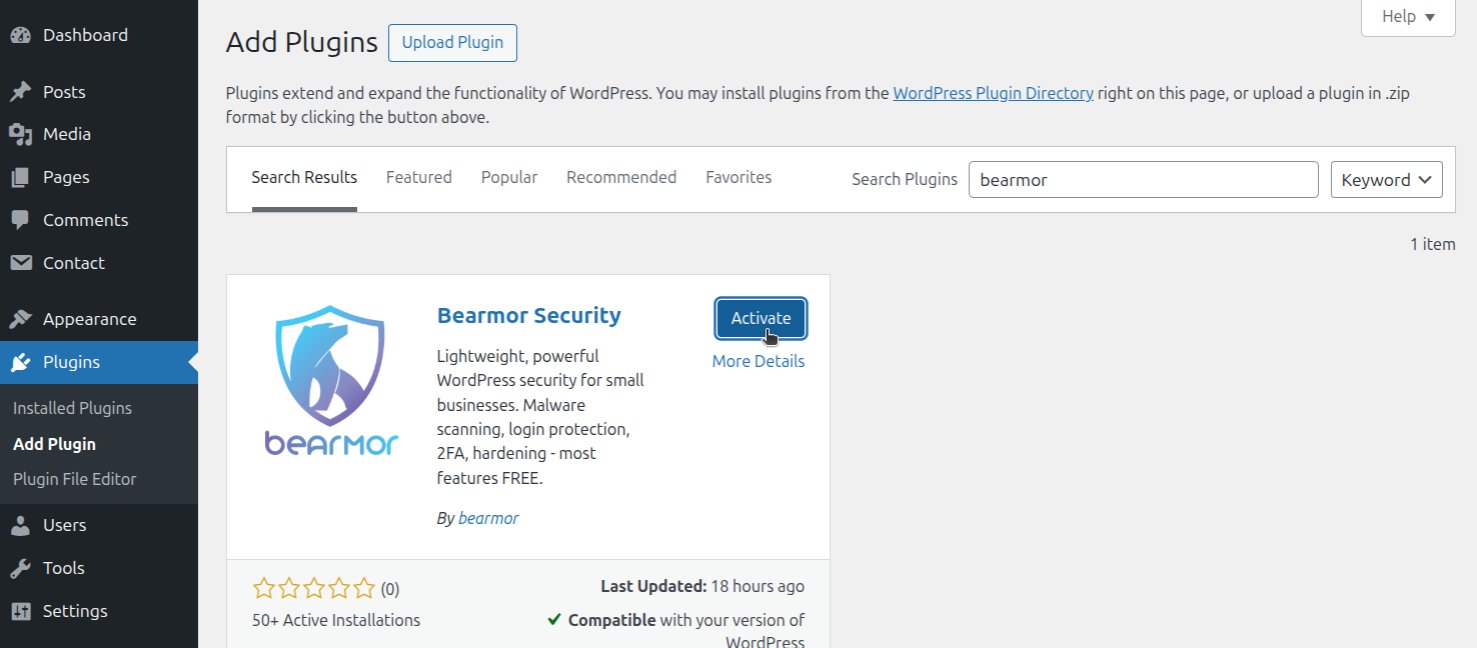
Find Bearmor and Click Install
Locate Bearmor Security in the results and click the "Install Now" button.

Click Activate
After installation completes, click the "Activate" button.
All Set! Start Using Bearmor
Recommended: Go to Bearmor → Security Hardening and click "Apply Hardening" for instant protection.
Option 2: Manual Upload
For advanced users who prefer manual installation.
- Download from WordPress.org repository
- Go to Plugins → Add New → Upload Plugin
- Choose the downloaded .zip file and click Install Now
- Click Activate after installation completes
- All set! Start using Bearmor Security
Want to Go PRO?
Unlock advanced security features with Bearmor Security PRO.
How to Upgrade
Install the plugin using Option 1 or Option 2 above
Select a package from our pricing page (PRO Monthly or Annual)
Complete the payment securely via Stripe
Plugin activates PRO automatically, but it's recommended to go to Bearmor → Settings and click "Refresh"
All set! Start using PRO features immediately
PRO Features
- PRO 24/7 Uptime Monitoring
- PRO Deep Malware Scan
- PRO Smart Firewall
- PRO Vulnerability Scanner
- PRO AI Security Analysis
Need Help?
Our support team is here to help you with installation, configuration, or any questions.
security@bearmor.eu